
 Basics
TikTok Video Downloader: What It Is, How It Works, and What to Know
What a TikTok video downloader does, how it turns a public link into a saved file, what affects the quality you get, and how to use downloaded videos responsibly.
8 min read
An APK is just an installer — but “just an installer” can still be dangerous. This is the checklist we would use ourselves before installing any downloader.
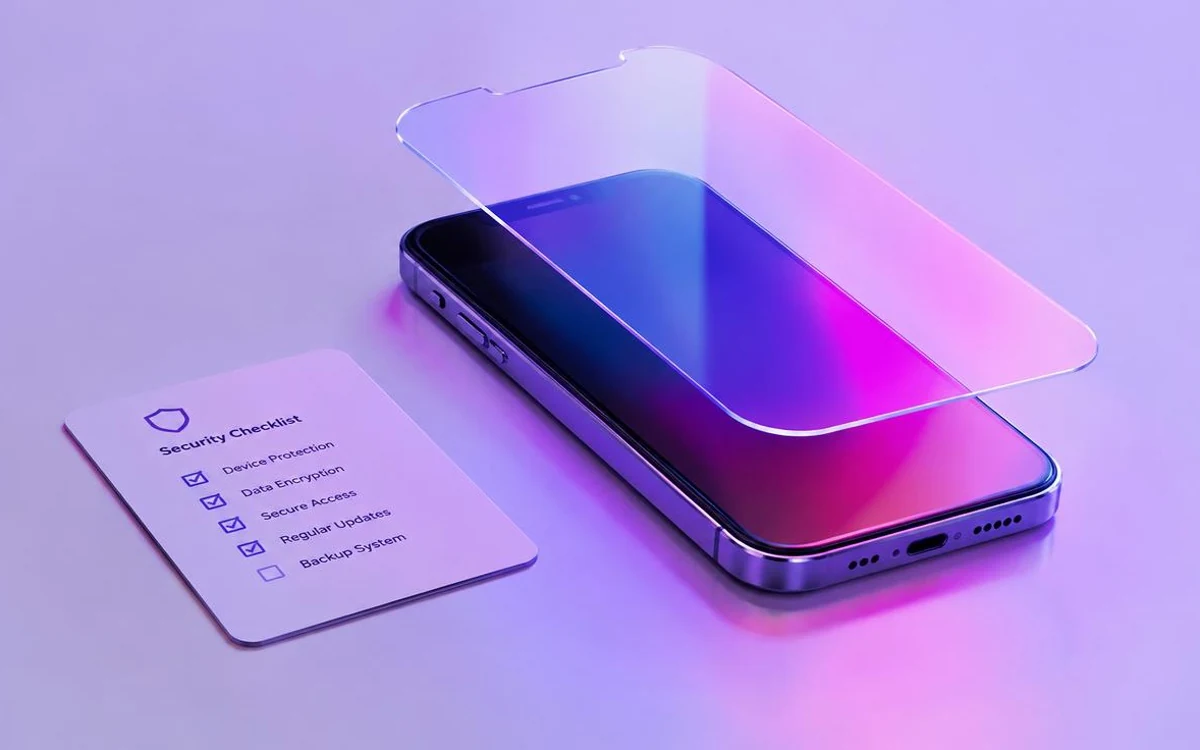
A TikTok downloader APK can be useful for saving eligible public videos on Android, but safety depends on where the app comes from, what permissions it requests, and how it handles your data.
An APK is an Android installation file. Unlike an app installed through Google Play, an APK may be downloaded directly from a website. That means users should take extra care before installing it. A trustworthy TikTok video downloader should clearly explain what it does, request only necessary permissions, and never ask for your TikTok password to process a public video link.
This guide explains what to check before installing SSSTikTok or any other TikTok downloader APK.
The first rule is simple: download the APK only from the official SSSTikTok website or another source you have independently verified.
Avoid APK files from:
Android displays an installation prompt when you open an APK. Read it carefully before continuing.
A TikTok downloader APK may need access to photos, videos, or device storage so it can save files you choose to download. However, be cautious if an app asks for permissions that do not match its stated purpose, such as access to contacts, call logs, SMS messages, accessibility controls, or device administrator privileges.
If a permission is not clearly explained or seems unrelated to video downloads, do not grant it until you understand why it is needed.
A link-based TikTok video downloader generally works by processing a public video URL. It should not need your TikTok username or password to handle an eligible public link.
Do not enter account credentials into:
A responsible Android app should provide a privacy policy that explains, in plain language:
Security is not a one-time check. Keep your Android system updated and install new versions of SSSTikTok only from its official source.
Before updating, verify that you are still on the correct domain and that the update page identifies the current version, release date, and relevant changes. Do not install “update” files delivered through random browser notifications, advertisements, or messages.
You can also use Google Play Protect or another reputable mobile security tool to scan downloaded files. A scan is helpful, but it should not replace checking the source and permissions yourself.
Stop the installation or remove the app if you notice any of the following:
App safety is only one part of responsible downloading. You should download videos only when you own the content, have the creator’s permission, or are otherwise authorized to save and use it.
Downloading a file does not transfer copyright or give permission to repost, edit, remove attribution, or use another person’s content commercially. Respect the creator, TikTok’s rules, local laws, and any applicable licensing terms.
So, is a TikTok downloader APK safe? It can be safer when you download it from the official source, review its permissions, avoid sharing account credentials, and keep both the app and Android updated.
Before installing SSSTikTok, take a moment to verify the download page, read the privacy information, and check that the app requests only permissions needed to save media files. These simple checks can reduce the risk of installing an unsafe or misleading APK.
Keep reading
BasicsWhat a TikTok video downloader does, how it turns a public link into a saved file, what affects the quality you get, and how to use downloaded videos responsibly.
 Troubleshooting
Nine times out of ten the problem is not the downloader. Here are the real reasons a TikTok link fails, and what to try before you give up on the app.
SSSTikTok is the Android app these guides are written about. Install it once and paste any public TikTok link.
Free · Android 6.0+ · 17.8 MB