
 Basics
TikTok Video Downloader: What It Is, How It Works, and What to Know
What a TikTok video downloader does, how it turns a public link into a saved file, what affects the quality you get, and how to use downloaded videos responsibly.
8 min read
Nine times out of ten the problem is not the downloader. Here are the real reasons a TikTok link fails, and what to try before you give up on the app.
The most common mistake is copying the wrong thing. TikTok’s share sheet offers “Copy link”, but it also lets you copy a caption, a profile URL or a link to a playlist. A downloader expects the video link — the one that looks like tiktok.com/@user/video/7312… — and quietly fails when it gets anything else.
Short links that pass through a redirect are a second trap. Some share flows wrap the URL, and a tool that does not follow redirects will report “invalid link” even though the video is perfectly public.
If a video has been deleted, set to private, or belongs to an account that is now private, no tool can retrieve it. The file is simply not available to anyone who is not an approved follower. You will usually see “video not found” or an endless loading state rather than a clear explanation.
Age-restricted content and region-locked posts behave the same way: the server declines the request. Switching to a different downloader will not change the answer, so check the video in the TikTok app first — if it plays there without logging in, it should be downloadable.
On Android 11 and newer, apps cannot write to shared folders without explicit permission. If that permission was denied once — often by accident during a hurried install — the download completes and then vanishes. Nothing appears in your gallery, and no error is shown.
The fix is quick: open Settings → Apps → SSSTikTok → Permissions and allow storage, or photos and media. Then check that you have free space. A 60-second 1080p clip can be 15–30 MB, and a full phone fails silently at the last step.
A download that stops at 80 or 90 percent is almost always a connection problem. Mobile networks hand off between towers, and a long transfer can lose its socket mid-download. The tool waits, the progress bar freezes, and eventually the partial file is discarded.
Try the same link on Wi-Fi, or toggle airplane mode to force a fresh connection. If it still stalls at exactly the same point, the source rendition may be partially unavailable; choosing a lower quality often completes where HD did not.
Run through this list before you conclude that the app is broken.
Keep reading
BasicsWhat a TikTok video downloader does, how it turns a public link into a saved file, what affects the quality you get, and how to use downloaded videos responsibly.
 Safety
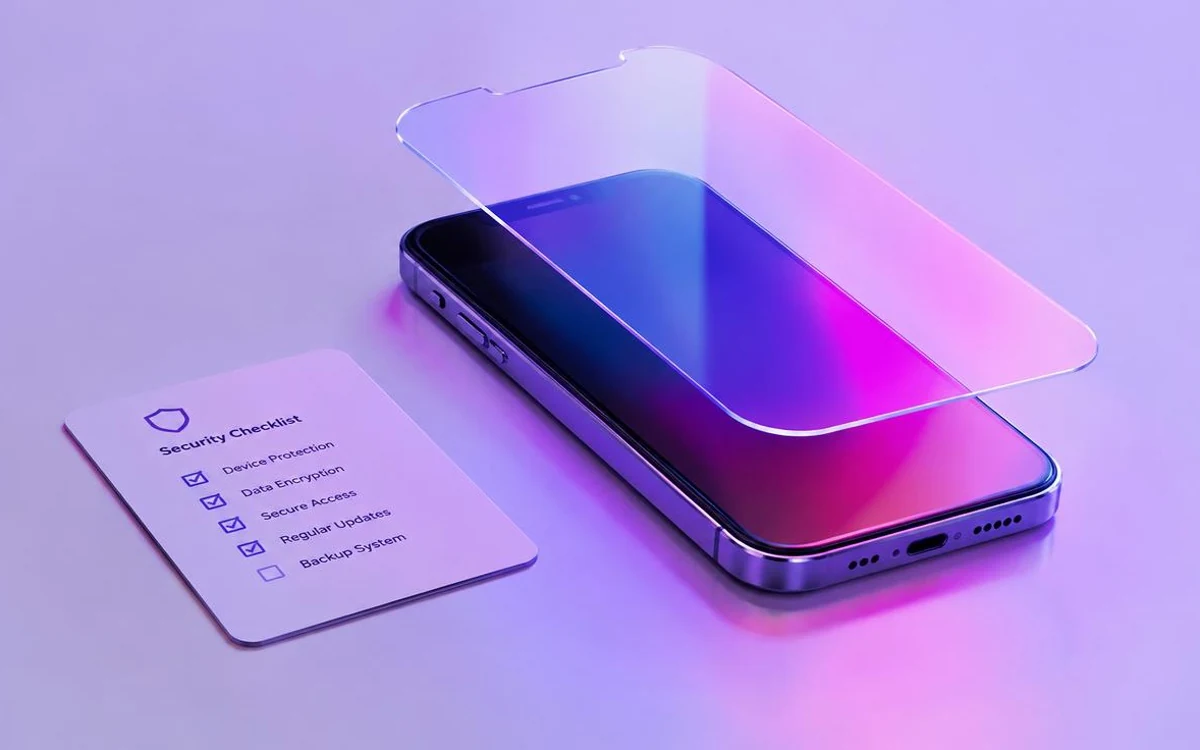
An APK is just an installer — but “just an installer” can still be dangerous. This is the checklist we would use ourselves before installing any downloader.
SSSTikTok is the Android app these guides are written about. Install it once and paste any public TikTok link.
Free · Android 6.0+ · 17.8 MB